For macOS 27 and later
Audio Lab AF
Hear and see your finished mix. Load one song, listen to it, look at it, and understand it the way a mastering engineer would.
Coming soon to the Mac App Store
Built-in assistant
Just ask it
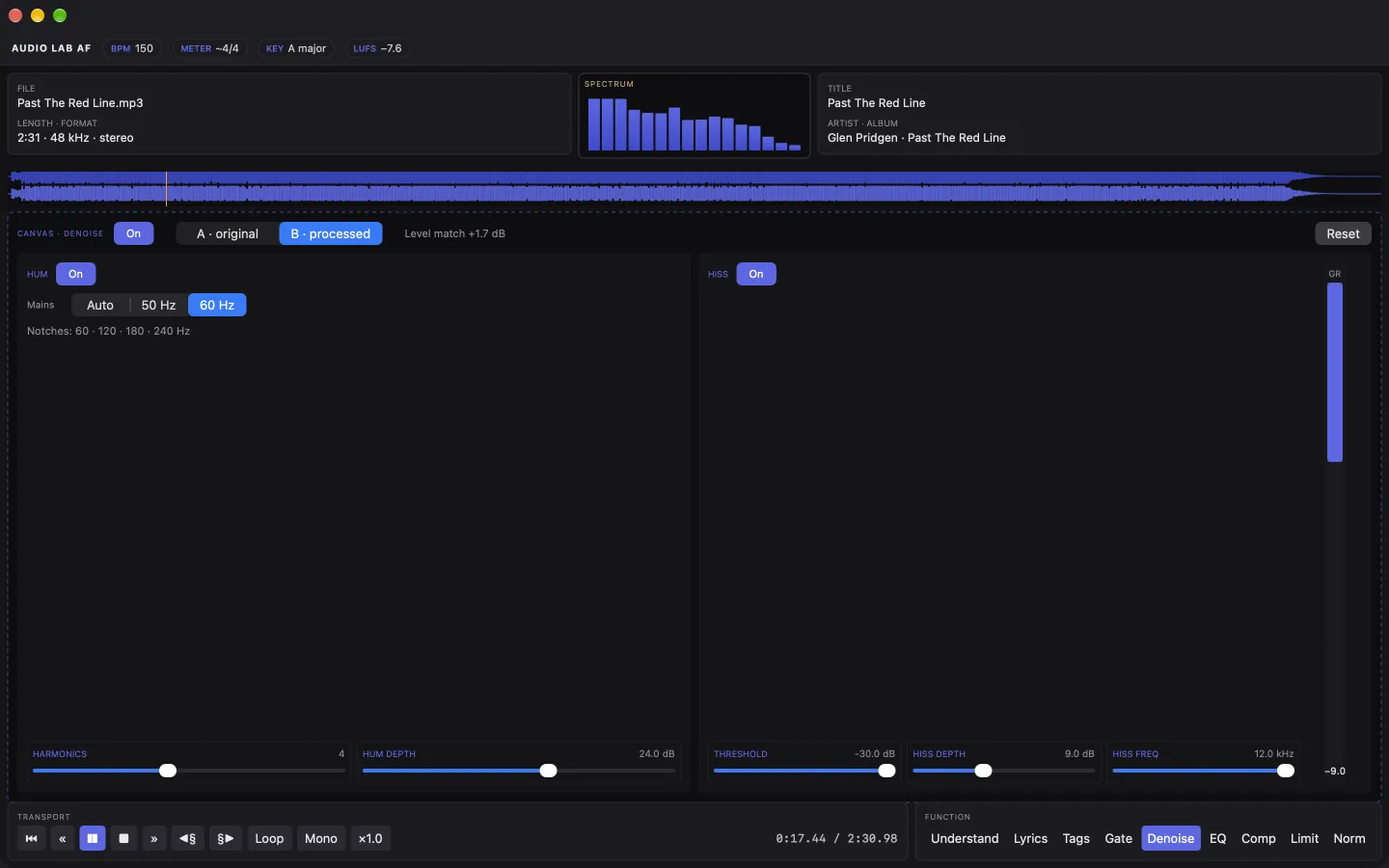
Audio Lab AF has an AI assistant built on Apple's Foundation Models, running on your Mac. Tell it to pull some low end out, clean up the hiss or bring the master up to streaming loudness. No hunting for the right knob.
Features
See the song
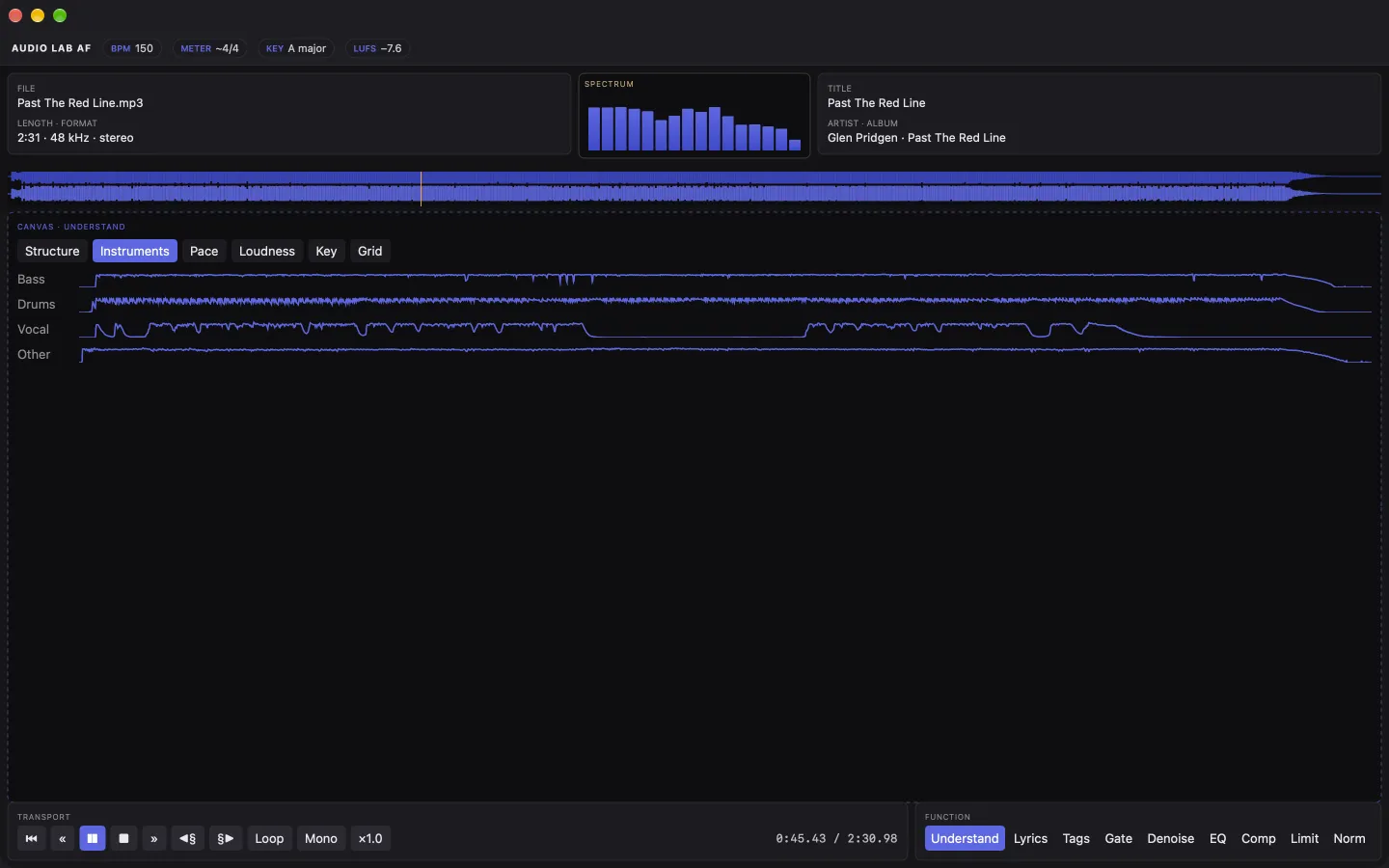
The waveform runs across the window and the meters sit up top where you can always see them: level, spectrum and beat. Name, format and tags are right there too.
Understand it
Tempo, key, time signature, song structure and instruments, read by Apple's on-device Music Understanding. It runs on your Mac and nothing leaves it.
Shape it
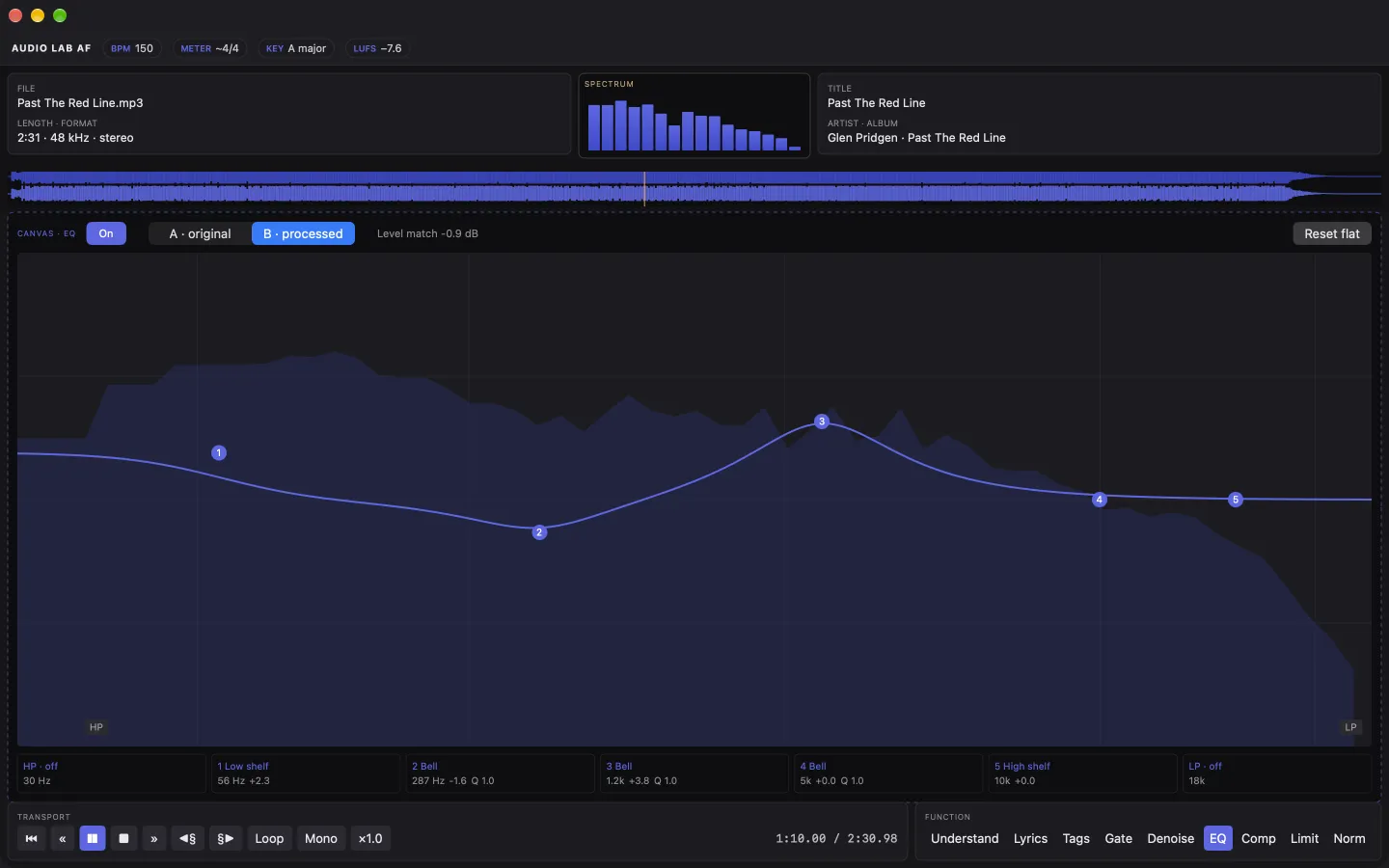
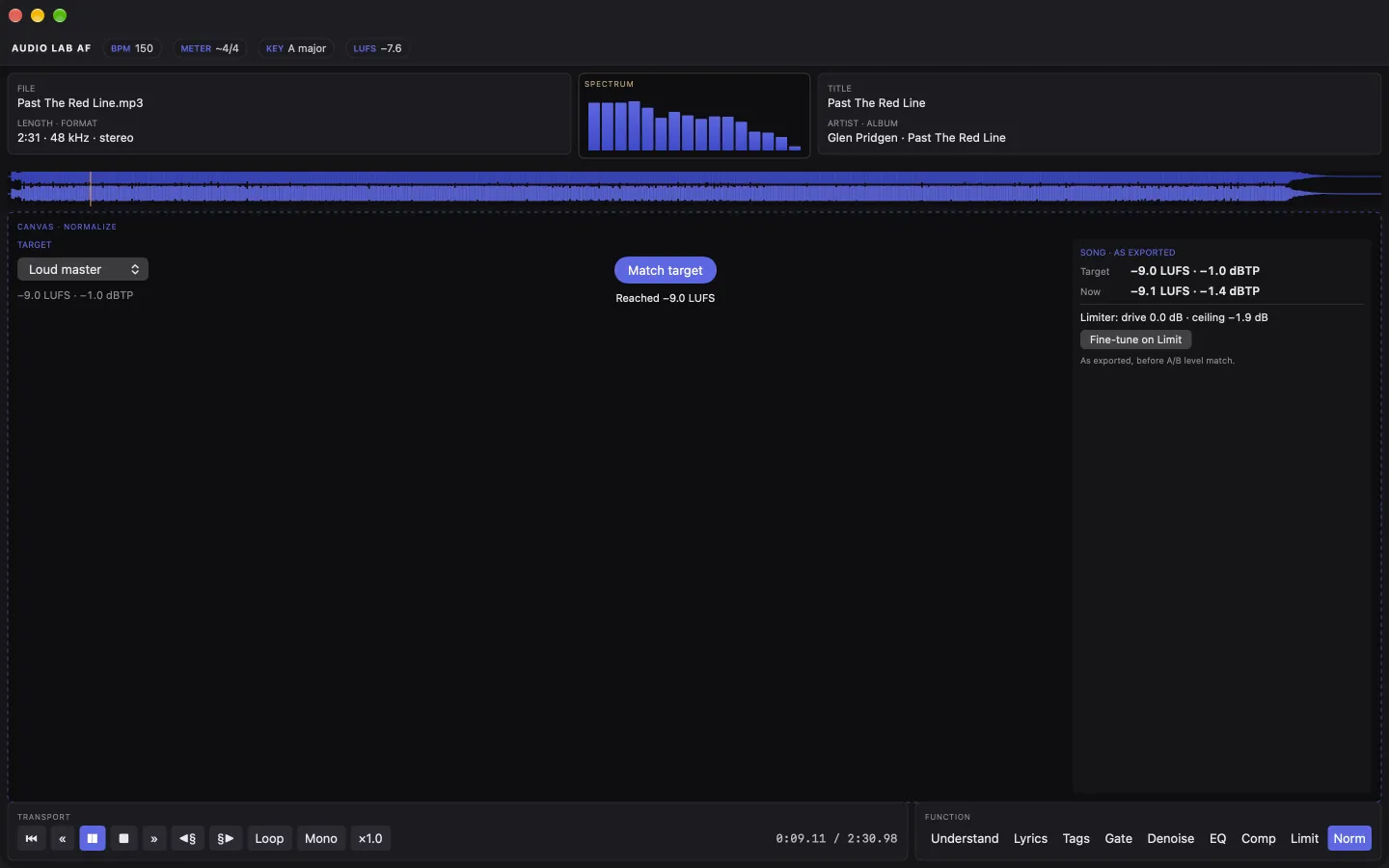
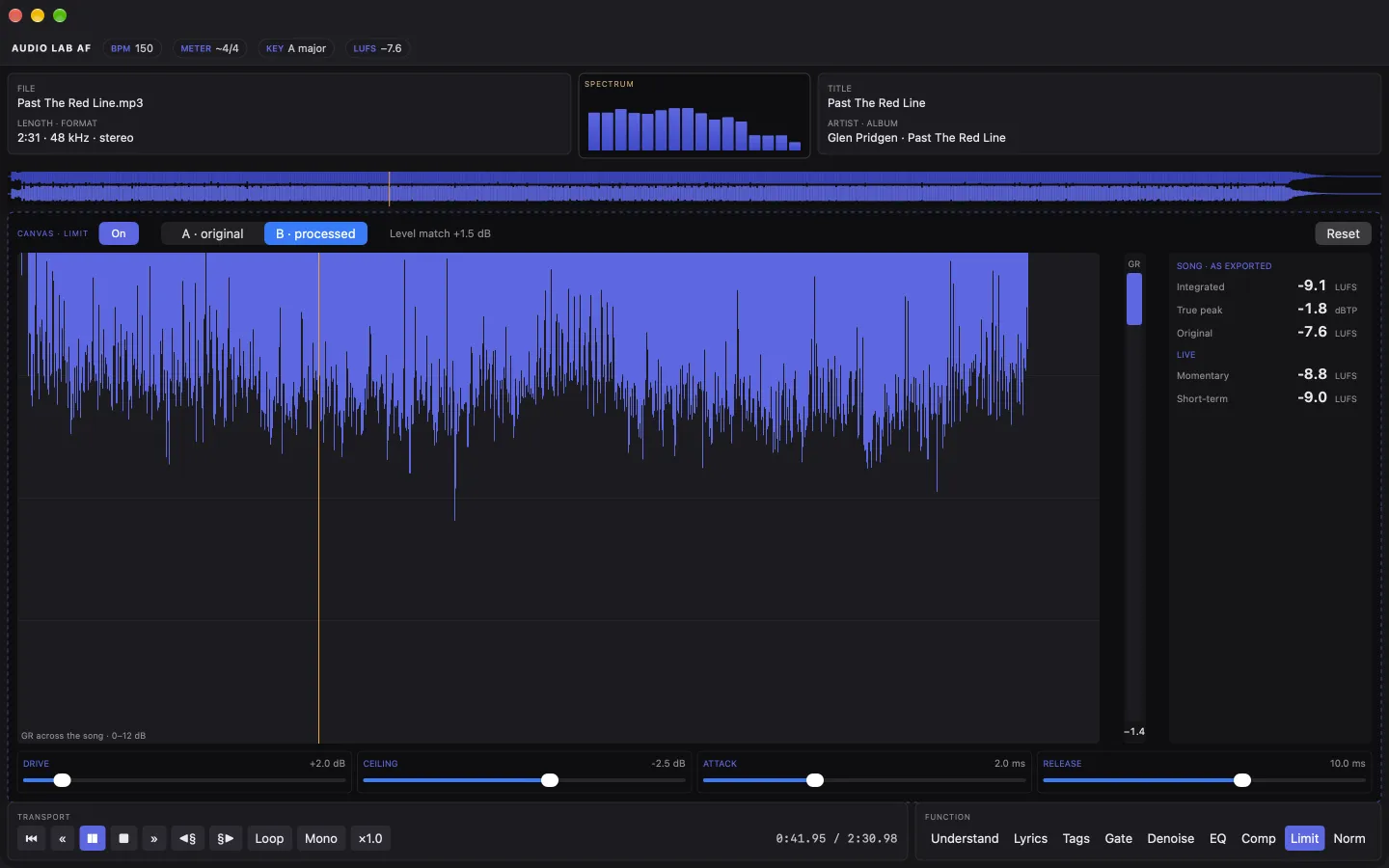
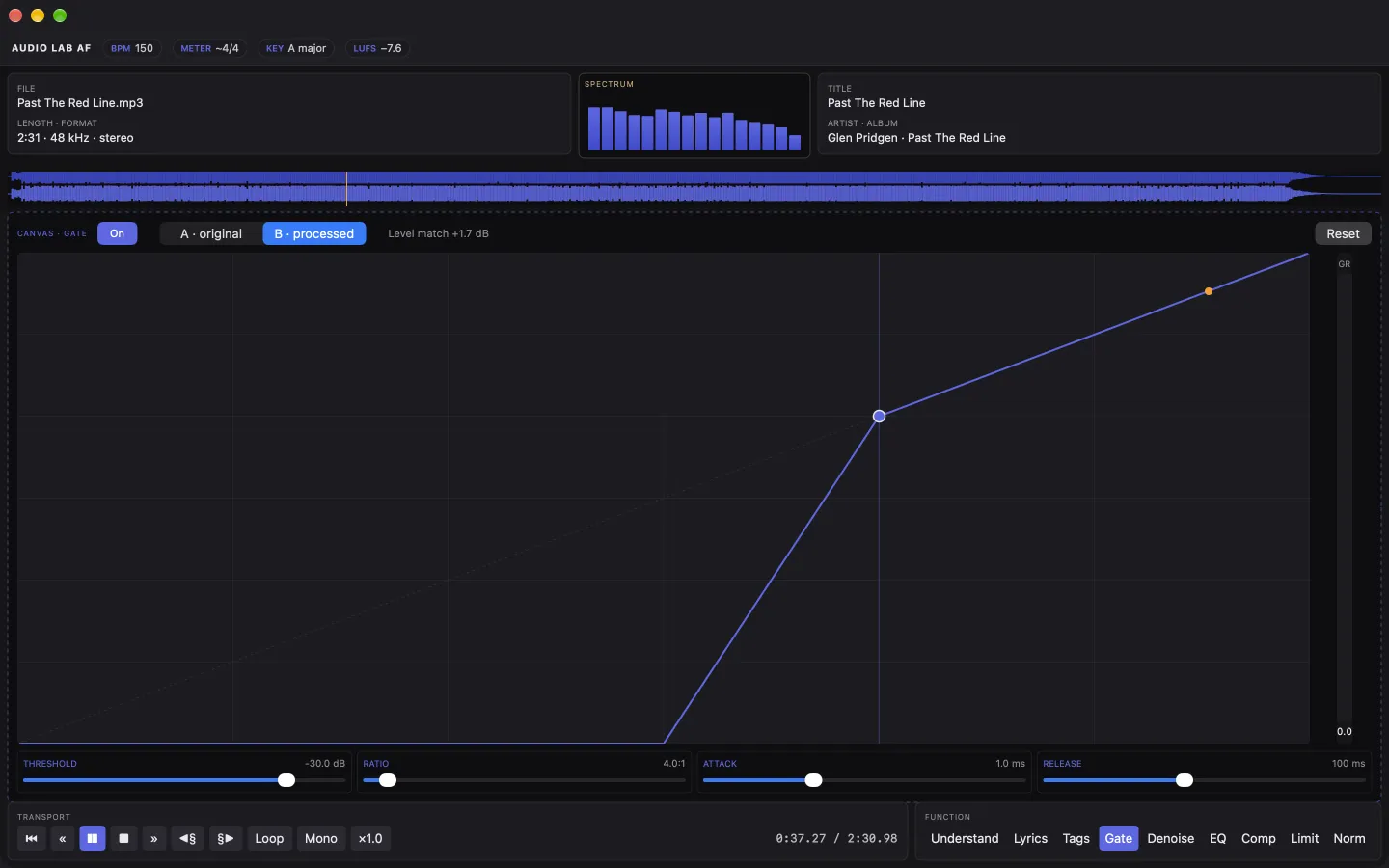
EQ, compression and limiting. The limiter shows measured LUFS and true peak, so you know where the loudness actually landed. Then press Cmd+B and bounce the master to WAV, FLAC or AAC.
Lyrics and tags
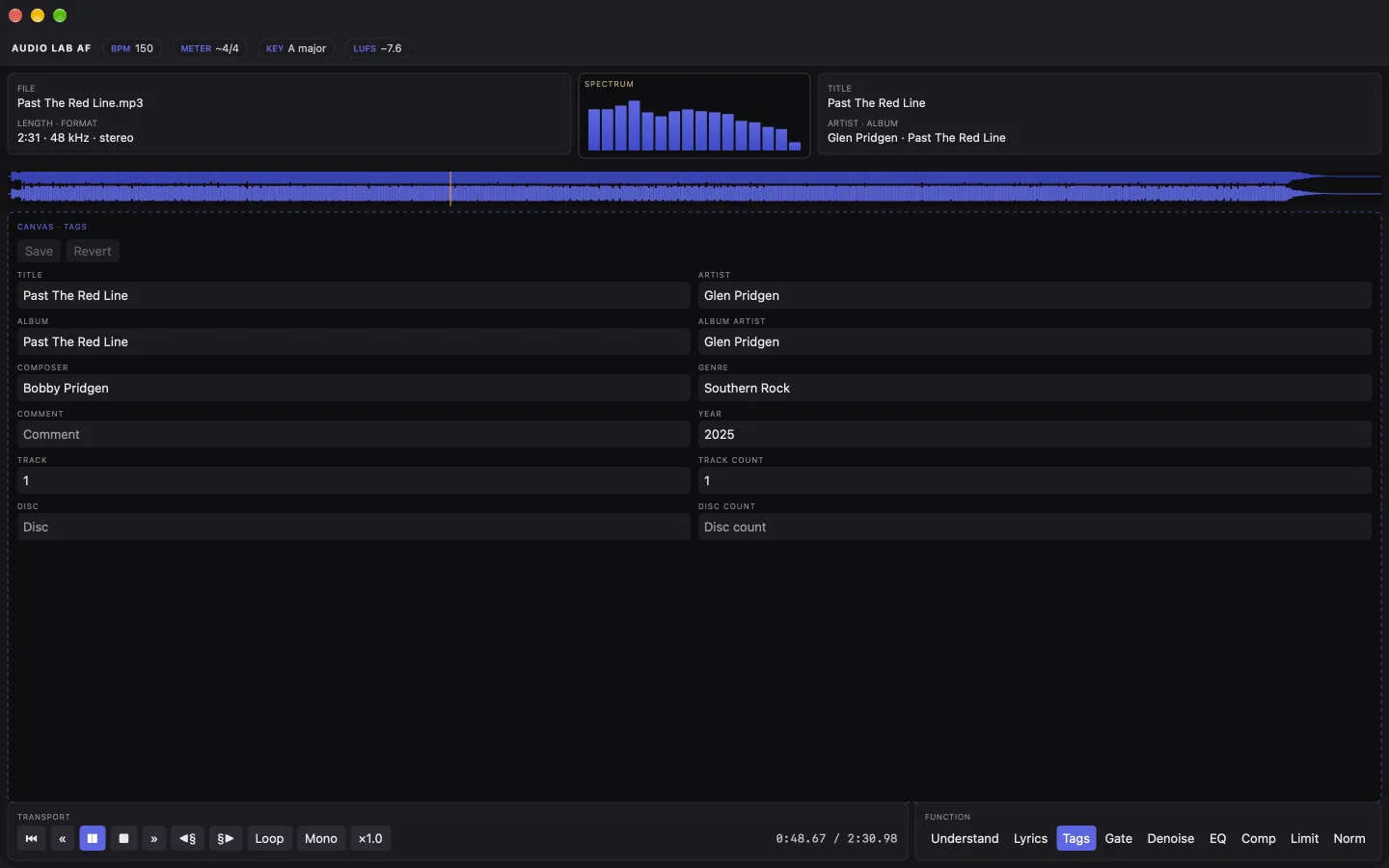
Edit unsynced lyrics and basic tags. Tags write to MP3 and FLAC. WAV tags are read-only.
Open it your way
Cmd+O, Open With from Finder, or drop a song on the window or the Dock icon. WAV, AIFF, MP3, FLAC and M4A all work.
Private by default
No account, no network connection, no analytics, no tracking. Audio Lab AF doesn't collect any data. None.
Have a look